
✍️ Signature Tool
Draw with your mouse or finger. Smoothing makes ink look pen-like. Export a transparent PNG, auto-trimmed to your strokes with optional margin.
Canvas
Tip: Use a steady, continuous stroke. On touch devices, rotate your phone to landscape for a wider pad.
Example output
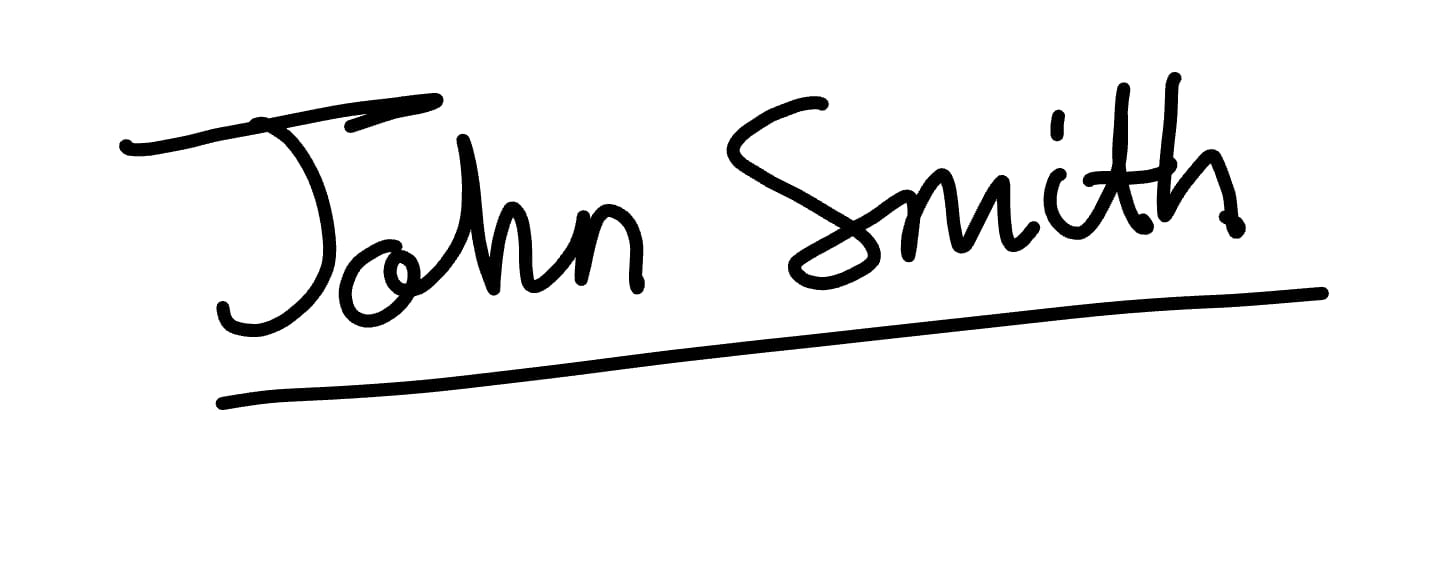
Help & FAQ — Signature Maker
How to use
- Draw your signature using mouse or touch (or type a styled signature).
- Adjust stroke width, color, and background.
- Download as transparent PNG or SVG to reuse in documents.
Use cases
- Draw and download a signature image.
- Create a transparent signature for PDFs.
Tips & FAQs
- Can I create multiple versions?
- Yes—export each variation; the tool does not store previous signatures.
- Is this legally binding?
- Check your local regulations; this provides an image signature, not a digital certificate.
Formats & limits
- Output: PNG/SVG with transparent background
- Supports stylus pressure on compatible devices
- Data clears when you refresh
Privacy
Drawings stay local to your browser; no uploads occur.
Related tools
Updated
15 October 2025